
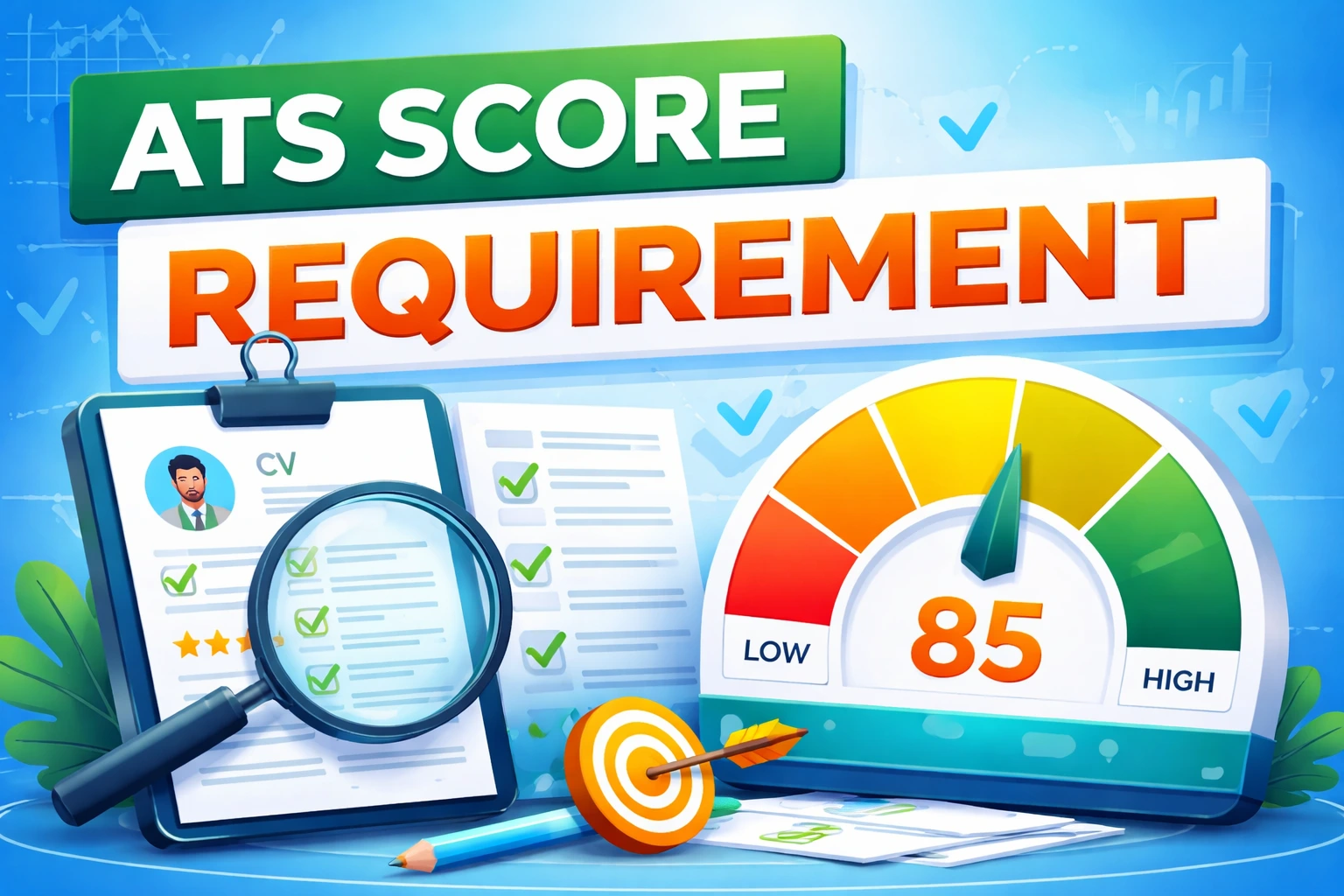
You tailored your resume. You applied. And then — silence. No rejection, no callback, nothing. The issue probably isn't your experience. It's that a piece of software called an Applicant Tracking System (ATS) filtered you out before any human even opened your file.
What is an ATS?
An ATS is software that companies use to collect, parse, and rank job applications. It scans your resume for relevant keywords and structure. If it can't read your formatting properly — or can't find the right terms — your application gets buried, regardless of how qualified you are.
What's quietly hurting your resume
- Two-column layouts — they often get scrambled during parsing
- Contact info in the document header — ATS systems frequently skip that section
- Tables, text boxes, and icons — invisible or broken for most parsers
- Vague section names like "My Journey" instead of "Work Experience"
- Keywords that don't match the job description — even if your experience does
What actually works
Use a single-column layout with standard section headings (Work Experience, Education, Skills). Put your contact info in the main body. Mirror the exact language from the job listing — if they say "project management," use that phrase, not "led initiatives."
A dedicated Skills section near the top gives the ATS multiple chances to match your resume to the role. Keep it honest — those skills come up in interviews.
Quick checks before you hit submit
- Paste your resume into Notepad — if it reads clearly there, an ATS can parse it
- Use a free tool like Jobscan or Resume Worded to spot issues
- Submit as .docx unless the listing specifically asks for PDF
- Adjust keywords for each application — even small changes help