
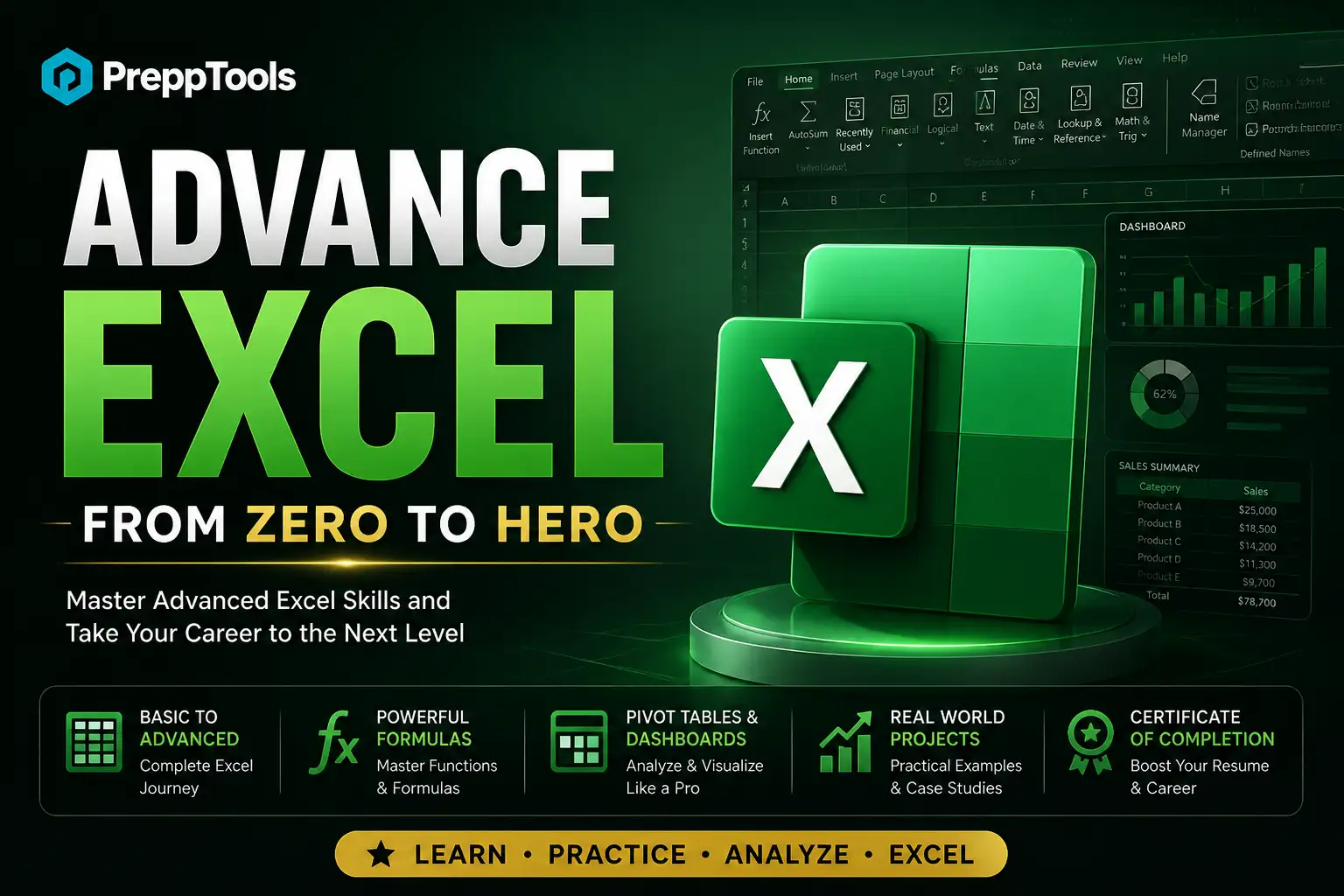
Advanced Excel for Data Science: Zero to Hero Complete Guide
A comprehensive free course covering everything from Excel fundamentals to advanced data science workflows — including 100+ functions, PivotTables, Power Query, Power Pivot, dynamic arrays, VBA automation, and 100+ real interview Q&As. Ideal for aspiring data analysts, business analysts, and data scientists preparing for interviews in 2026.
₹0
₹149
What you'll learn
Chapter 1 — Excel Fundamentals & Interface Mastery - Key interface elements (Ribbon, Formula Bar, Status Bar, etc.) - Essential keyboard shortcuts - Cell references: Absolute, Relative & Mixed Chapter 2 — Core Formulas & Functions - Logical functions: IF, IFS, AND, OR, IFERROR, IFNA - Aggregation & conditional functions: SUMIF, COUNTIFS, AVERAGEIF, MAXIFS Chapter 3 — Advanced Lookup Functions - VLOOKUP & HLOOKUP - XLOOKUP — the modern replacement - INDEX + MATCH — the power combo Chapter 4 — Statistical & Mathematical Functions - Descriptive statistics: AVERAGE, MEDIAN, STDEV, PERCENTILE, CORREL - Math & rounding: ROUND, MOD, LOG, RAND, RANDBETWEEN Chapter 5 — Text & Date Functions - Text manipulation: LEFT, MID, TRIM, SUBSTITUTE, TEXTJOIN - Date & time: TODAY, DATEDIF, NETWORKDAYS, EOMONTH Chapter 6 — Data Cleaning & Transformation - Removing duplicates - Flash Fill & Text to Columns - Handling blanks & errors - Data Validation Chapter 7 — PivotTables & PivotCharts - Creating PivotTables step by step - Calculated Fields & Items - Slicers & Timelines - GETPIVOTDATA function Chapter 8 — Power Query (Get & Transform) - Connecting to data sources (CSV, SQL, APIs, SharePoint) - Key transformations: Merge, Append, Unpivot, Group By Chapter 9 — Power Pivot & Data Modelling - Creating relationships (star schema) - Essential DAX measures: SUM, TOTALYTD, CALCULATE, DIVIDE Chapter 10 — Data Visualization & Charts - Choosing the right chart type - Conditional formatting as visualisation ### Chapter 11 — Array Formulas & Dynamic Arrays - Dynamic array functions: SORT, UNIQUE, FILTER, SEQUENCE - Spill reference operator (#) - New functions: TEXTSPLIT, VSTACK, CHOOSEROWS ### Chapter 12 — Excel for Data Science Workflows - Exploratory Data Analysis (EDA) in Excel - Linear regression: SLOPE, INTERCEPT, RSQ, LINEST - What-If Analysis & Solver ### Chapter 13 — Macros, VBA & Automation - Recording macros - Essential VBA snippets: loops, custom functions (UDFs), auto-refresh ### Chapter 14 — Interview Q&A Mastery - Section A: Fundamentals (VLOOKUP vs XLOOKUP, volatile functions, references) - Section B: Data Analysis (duplicates, multi-criteria lookup, KPI dashboards) - Section C: Advanced Topics (Power Query, dynamic arrays, outlier detection, optimisation)
₹0
₹149
This course includes
- 25 pages of content
- Instant PDF download
- Full lifetime access
- Data Science
Explore related topics
More Data Science courses you might like
Level up your career
Free tools to help you land your next job